Welcome
Start with the path you actually take. Find a study, open it, read it, and write the report if that is your job. Skip the rest until you need it.
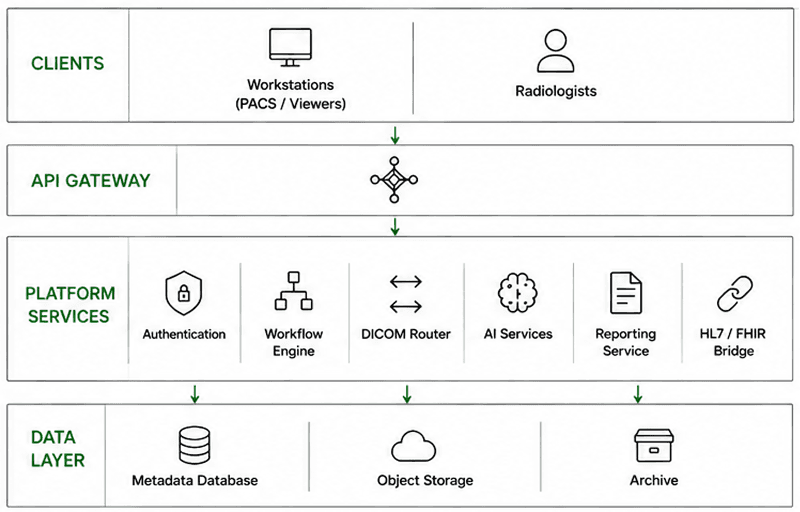
What this guide is
This is the product guide for people who work studies and for the small group who wire FHIR, HL7, or MPPS. Installation and hosting are handled by your administrator.
Horizon is the app: worklist, patients, reporting. Prism is the viewer you open from a study. What your site can use depends on its package. Lite is the imaging-only package: studies and Prism, without reporting, patients, or integrations.
When this guide says “the app,” it means Horizon.
A usual day in Horizon
Studies arrive, land on the worklist, get checked, open in Prism, get measured if needed, and get a report. Finalizing the report closes the study.
When something fails, it is almost always one of these: the study never arrived, demographics need a fix before reading, or the viewer session expired and you need to sign in again.
On the Lite package there is no reporting step. You sign in, browse the studies your site allows, and open Prism.
Where to go next
New to Horizon? Read Getting started and Application overview. If you already live in the worklist, skip to Study lifecycle and Prism. On the Lite package, read Lite package and the Prism pages. Integration engineers can jump to the integration chapters without the clinical workflow.